
Command Huge Armies Controls & Command Tips
Keyboard and mouse command habits that keep Napoleonic armies coherent under fire.
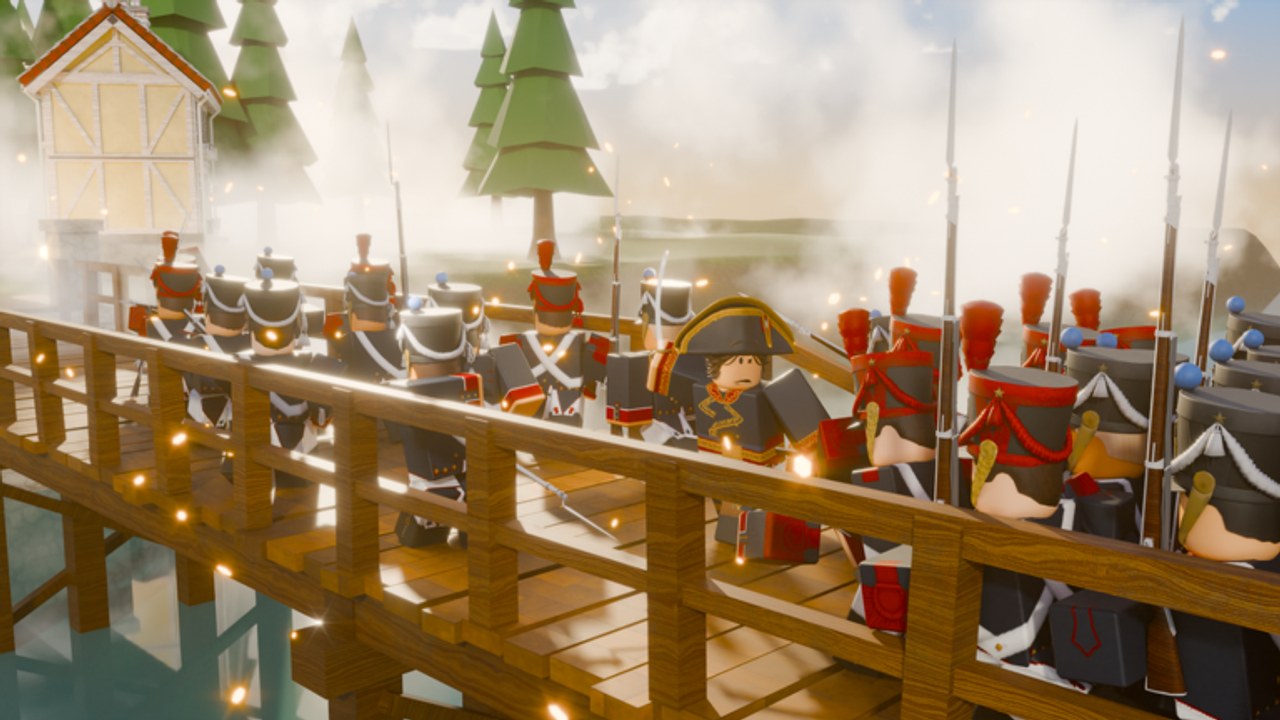
Command in Be a General! lives or dies on clean input. This Controls guide for Command Huge Armies focuses on keyboard and mouse play — the setup Made Men Studio expects, including on console — so you can select troops, move formations, and read the battlefield without fighting your hardware. Pair it with Getting Started if you are still in the first hour, and with Army Composition once your fingers know what your roster needs.
Keyboard and mouse are required
Be a General! is a real-time army commander. You need precise selection, camera control, and the ability to issue orders while watching flanks. On console, connect a keyboard and mouse before you join; relying on a gamepad alone makes multi-unit command painful and slow. Sit at a desk or stable surface, set mouse sensitivity so small camera pans do not overshoot entire brigades, and bind or learn the default keys until selection and movement feel automatic. If a friend joins from console without a keyboard, warn them before the match starts — the lobby caps at 10 players, and one player who cannot order troops becomes a liability for the whole side.
Master selection before fancy tactics
Every advanced plan fails if you cannot grab the right units. Practice:
- Selecting a single block without accidentally pulling half the army.
- Box-selecting or multi-selecting related infantry so the line moves as one.
- Deselecting quickly when you need to snap artillery or cavalry instead.
- Re-acquiring a lost unit after the camera pans during a charge.
Do this drill in a quiet moment after the tutorial, not mid-fight. Napoleonic battles punish sticky selection: cavalry you meant to hold will overextend, guns you meant to limber will sit under a charge, and infantry will drift into musket range without support.
Camera and battlefield reading
Keep the camera high enough to see your full front and at least one open flank. Drop lower only when you need to confirm a choke or a gun arc. Habitual zoom-fighting is how players miss a cavalry sweep until it is already among the guns. Sweep the view left and right between orders the way a real staff officer would check messengers. When smoke, terrain, or unit density hides a wing, pause new offensive orders until you know where your infantry center still is. Clean vision matters more than spamming move clicks.
Order discipline for infantry, cavalry, and artillery
Treat the three arms differently under the same mouse:
- Infantry wants short, coherent moves that preserve facing and mutual support. Avoid long diagonal marches that break the line into a crowd.
- Cavalry wants committed, purposeful paths — flank, threaten, pursue, or withdraw — not constant micro-nudges that exhaust the unit’s usefulness.
- Artillery wants stable firing positions with clear arcs and an escape route. Do not park guns on the extreme front without an infantry screen.
Elite formations such as the Old Guard and Heavy Cuirassiers still obey the same input rules; their strength amplifies good orders and amplifies bad ones. Unlock them when Francs allow (see Earn Francs), but do not expect elites to fix sloppy selection.
Mid-battle command rhythm
Adopt a simple loop: check center infantry, check threatened flank, check gun safety, then issue at most one or two clear orders. Resist the urge to click every unit every second. In a 10-player match the pace is brisk, yet over-commanding creates traffic jams and friendly blocking. If you lose track, re-center on the infantry line — that is usually your anchor — then reassign cavalry and artillery. When a fight ends, note which mis-clicks cost you the most and practice those selections in the next session.
Comfort settings and session prep
Before ranked-feeling games, confirm mouse DPI or in-game sensitivity, disable sticky keys or OS features that eat modifiers, and close overlays that steal focus. Keep the Codes page handy for between-match redemptions, but do not alt-tab during active command. Skim Updates after patches in case keybinds or UI prompts change. Community tips and Made Men Studio links live on Players; optional tooling notes are on Scripts. For unit priorities after your hands are trained, use the Tier List and the full Guides Hub.
Strong controls will not invent a meta for you, but weak controls will erase every good composition. Nail keyboard and mouse habits first, then spend Francs and theorycrafting time where they matter.
Frequently Asked Questions
Quick answers to the most common questions.
Why does Be a General! need a keyboard and mouse on console?
Army command needs precise selection and camera control. Console players must use keyboard and mouse; a gamepad alone is not enough for coherent Napoleonic orders.
What should I practice first after the tutorial?
Selection accuracy: grab one unit, multi-select a line, deselect, and re-acquire after camera moves. Do that before experimenting with complex flanking plans.
How should I handle cavalry and artillery differently from infantry?
Infantry moves in short coherent steps, cavalry takes clear flank or pursue paths, and artillery holds stable firing positions with an escape route and infantry screen.
Where do I go after controls feel comfortable?
Return to Getting Started if economy is unclear, then Earn Francs for currency, Army Composition for roster balance, and the Tier List for current unit rankings.